

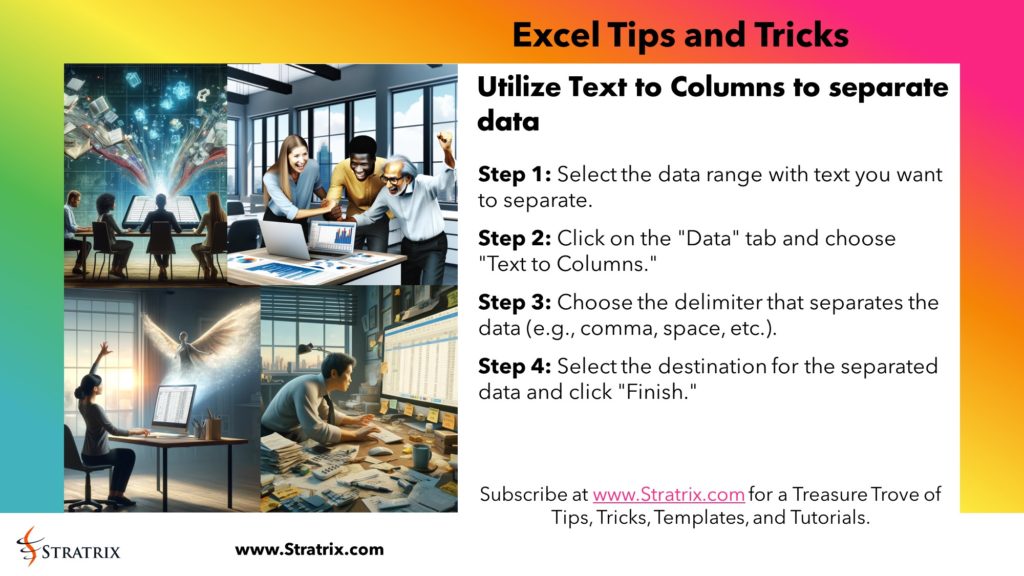
Utilize Text to Columns to separate data
Step 1: Select the data range with text you want to separate.
Step 2: Click on the “Data” tab and choose “Text to Columns.”
Step 3: Choose the delimiter that separates the data (e.g., comma, space, etc.).
Step 4: Select the destination for the separated data and click “Finish.”
For all things Strategy, Management Theories, and Business Frameworks, please visit https://www.stratrix.com